Uploading a Custom Skill
What It Does
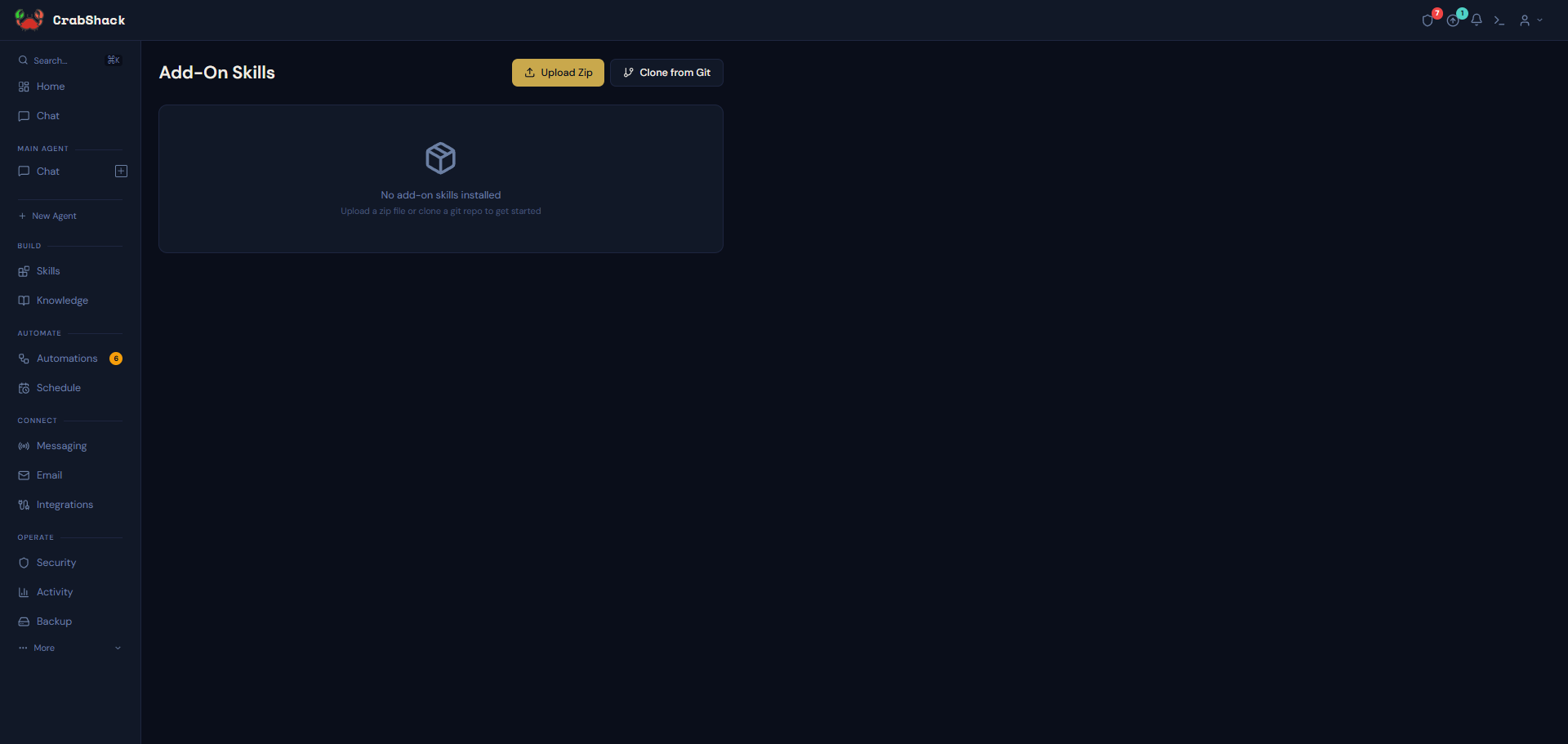
If you (or a consultant working with you) have built a custom skill, this is where you install it — either from a .zip file or directly from a git repository. This is a separate page from the per-agent marketplace; see Skills overview if you're not sure which one you need.
How to Upload a Zip File
- Open Skills under Build in the sidebar.
- Click Upload Zip.
- Drop your
.zipfile in, or click to browse for it. The skill name is auto-detected from the file, or you can set it manually. - Click Upload.
If a skill with the same name already exists, you'll be asked to confirm before it's overwritten — the existing version is deleted and replaced.
How to Install from a Git Repository
- Open Skills under Build in the sidebar and choose the git-clone option.
- Paste the repository URL.
- For a private repository, CrabShack shows you an SSH deploy key to add to that repository's settings before it can clone it.
Scenario
A technical consultant builds a custom quoting skill for a client and keeps it in a private git repo so it can be updated centrally. They give the client the repo URL; the client pastes it into the Skills page, adds the shown deploy key to their repo's settings, and CrabShack pulls the skill directly.
If This Goes Wrong
- Upload fails with an error — confirm the file is a valid
.zipand under any size limit shown on the upload screen. - Git clone fails — confirm the deploy key was added to the repository (not just copied) and that the URL is the correct clone URL.
- You need to update a skill you uploaded before — upload the new version with the same name and confirm the overwrite prompt.
Related
- Browsing the Marketplace — for skills that don't need a custom upload
- Skills overview