Agents
An agent is your AI assistant — the thing you actually talk to, whether that's in the CrabShack dashboard, WhatsApp, email, or wherever you've connected it. Every CrabShack instance starts with one main agent, and you can create additional agents for specific jobs: a support agent for customer questions, a scheduler for bookings, a research assistant for your own use.
Each agent has its own name, its own instructions (what it's meant to do), its own model, and its own connections — installing an MCP server or connecting a channel for one agent doesn't automatically hand it to another.
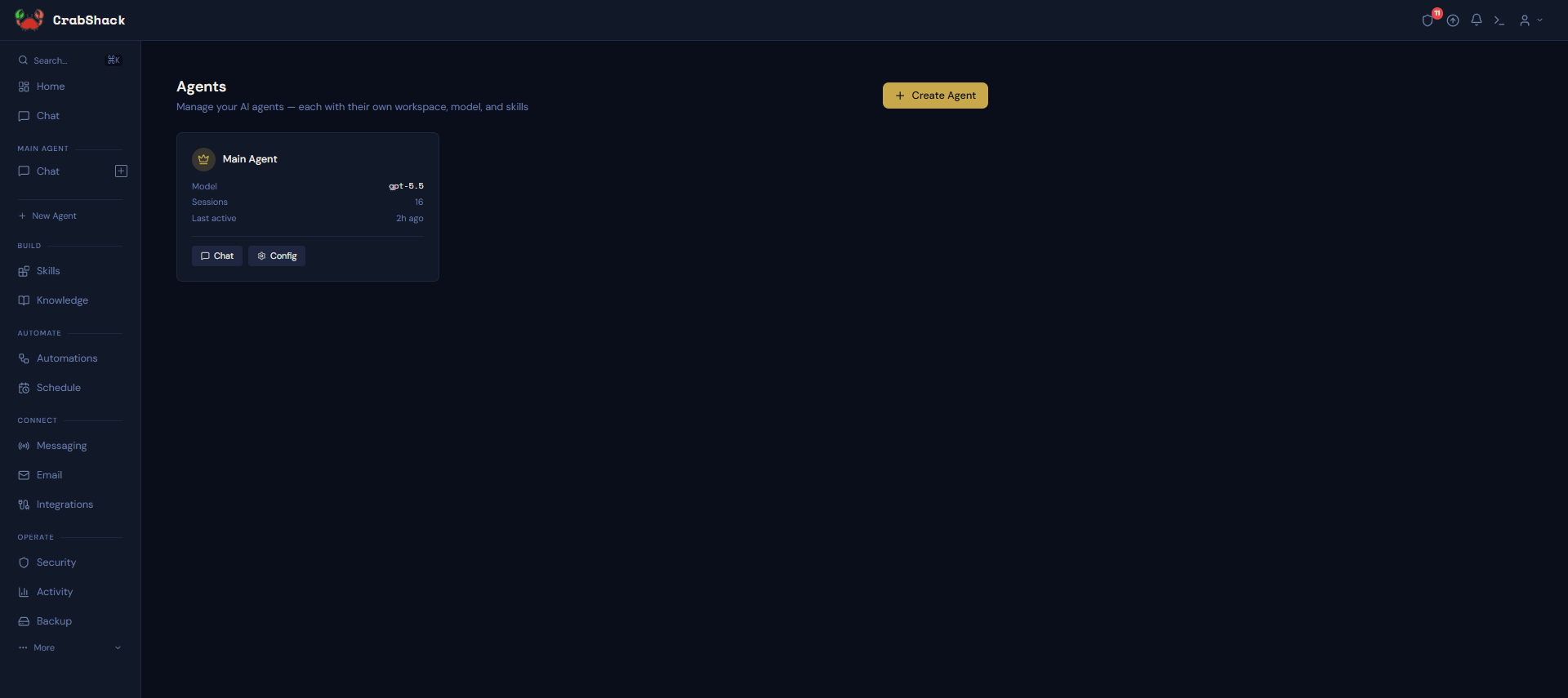
CrabShack's agents are independent — think of them as separate employees, not a hierarchy. There's currently no way for one agent to hand off work to another agent directly. Each one is reached on its own: through its own chat, or through a channel you've routed to it. If you need several jobs done, you create several agents and route the right conversations to each.
How It Works
- Your main agent is unrestricted — every MCP connection you install is available to it automatically, and it handles any message that isn't routed elsewhere.
- Additional agents start with nothing — no MCP access, no channels — until you set them up. This keeps a new agent from accidentally touching things it shouldn't.
- Templates give you a head start — instead of writing instructions from scratch, pick a ready-made role like Customer Support Agent or Sales Assistant and adjust it.
- Channels route to agents — when you connect Telegram, WhatsApp, or another channel, you choose which agent handles it (see Connecting Channels).
What's in This Section
- Getting Started — creating your first additional agent
- Agent Templates — prebuilt roles you can start from
- Connecting Channels — routing WhatsApp, Telegram, and more to an agent
- Troubleshooting — common issues
Related
- Multi-Agent Behavior — how memory and knowledge are shared (or not) across agents
- MCP: Agent Allowlisting — controlling which agents can use which business-app connections